Buyer Intelligence Signals
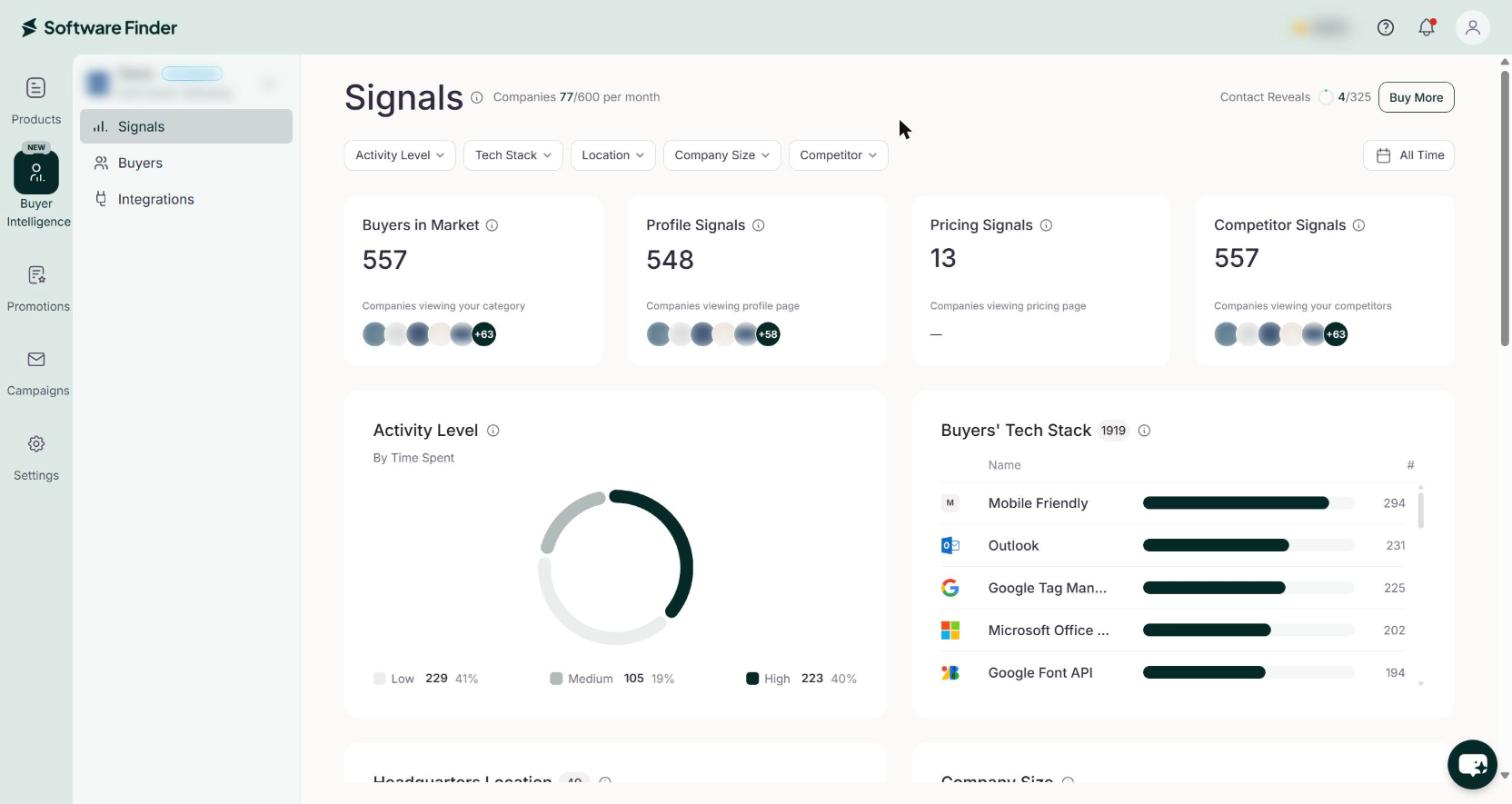
The Signals page summarizes buyer activity for your product on the Software Finder website. It counts the buyers viewing your category, profiles, pricing, and your competitors, then describes them by activity level, tech stack, location, and company size.
Signals
- In the left sidebar, click Buyer Intelligence.
- Select a product from the product list at the top of the Buyer Intelligence menu.
- Click Signals.
The top of the page shows the Companies and Contact Reveals counters. See Usage Counters.
Filter the View
Use the filters below the page title to narrow the signal cards. The filters do not apply to the buyers list. On the free plan, the page has no filters or date range.
| Filter | Options |
|---|---|
| Activity Level | Low, Medium, High |
| Tech Stack | A searchable list of technologies |
| Location | A searchable list of countries |
| Company Size | 1-50, 51-200, 201-1K, 1K-5K, 5K+ |
| Competitor | A list of your competitors |
To change the time period:
- Click the date range button on the right. It shows All Time by default.
- Select Today, Yesterday, Last 7 Days, Last 30 Days, Last 60 Days, Last 90 Days, or All Time. To choose your own dates, select Custom Range, select a start date and an end date on the calendar, then click Apply.
Signal Cards
The four cards at the top of the page count buyers by what they viewed. To see a card's description on the page, hover over the info icon next to its title.
| Card | What it counts |
|---|---|
| Buyers in Market | Buyers actively viewing your category. |
| Profile Signals | Buyers viewing profiles in your category. |
| Pricing Signals | Buyers viewing pricing in your category. |
| Competitor Signals | Buyers viewing your competitors' profiles. |
Charts
| Chart | What it shows |
|---|---|
| Activity Level (By Time Spent) | Buyers grouped by time spent in your category: Low, Medium, and High, with a count and percentage for each. |
| Buyers' Tech Stack | The most common tools used by buyers in your category. |
| Headquarters Location (By Geography) | The geographic locations of buyers, with a count and percentage for each country. |
| Company Size (By Employee Count) | Buyers grouped by employee count: 1-50, 51-200, 201-1K, 1K-5K, and 5K+. |
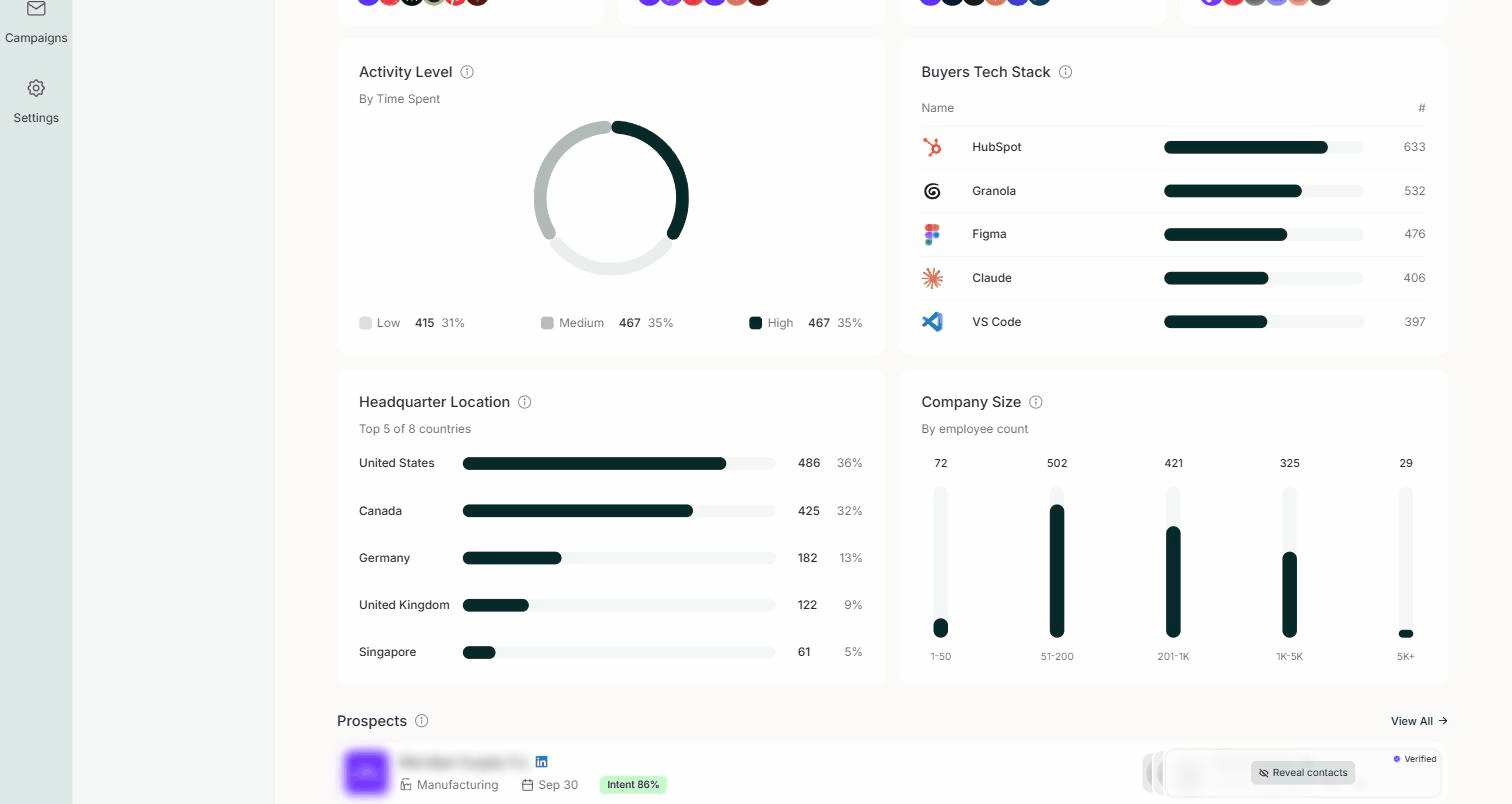
Until buyers engage with your product or category, the charts show messages such as No Activity Levels Found, No Tech Stacks Found, and No Headquarters Locations Found.
Buyers
The bottom of the page lists recent buyers for the selected product. To see all buyers, click View All. See Buyers.
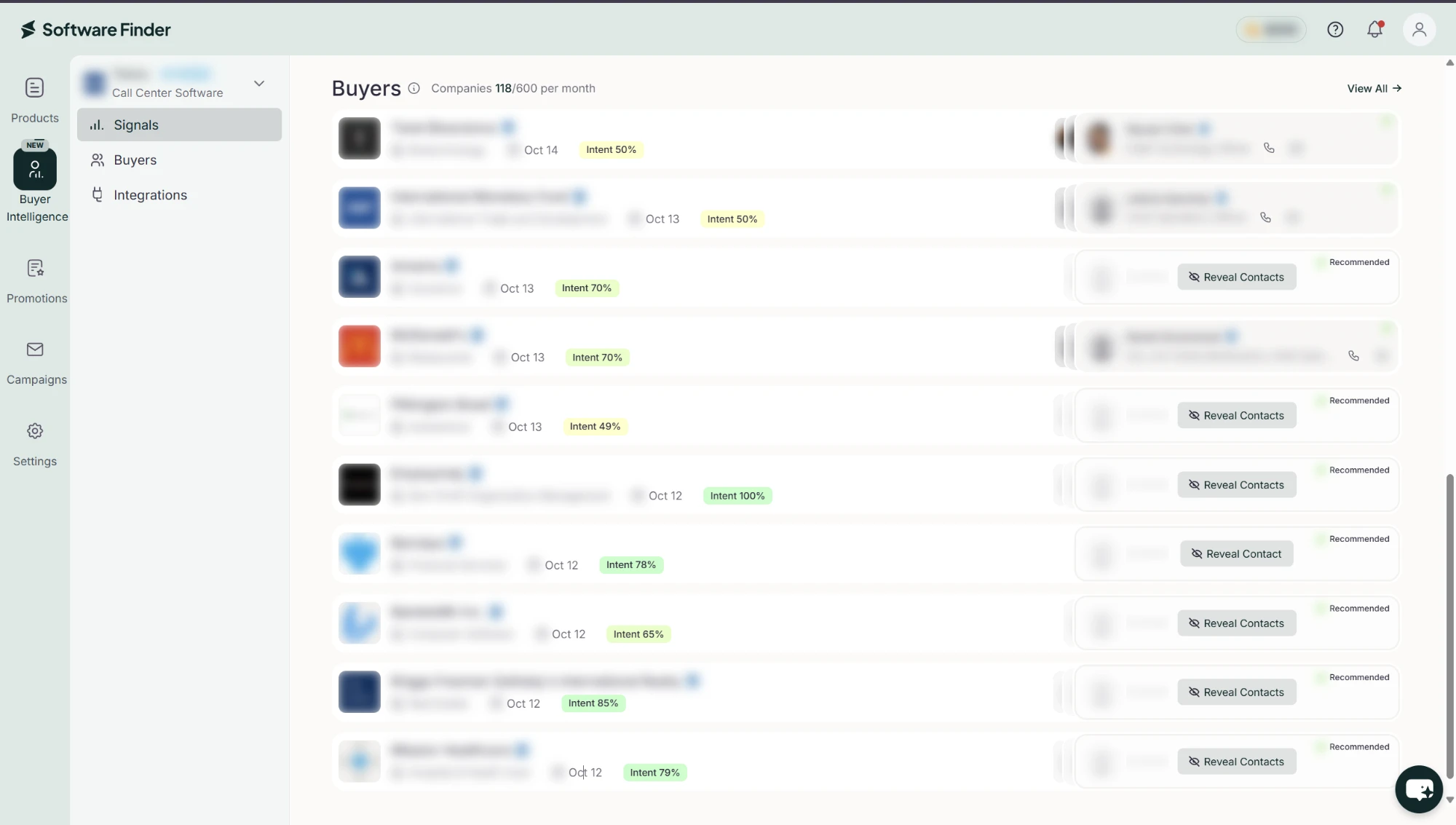
Buyers appear here once they engage with your profile or similar products. If the product is on the free plan, the list appears after you upgrade.
FAQs
Why do the Signals numbers change from day to day?
Signals are updated almost every day, based on buyer activity on the Software Finder website.
What does Activity Level measure here?
How much time buyers spent in your category, grouped as Low, Medium, and High.